





Design Templates vs Uploaded Artwork
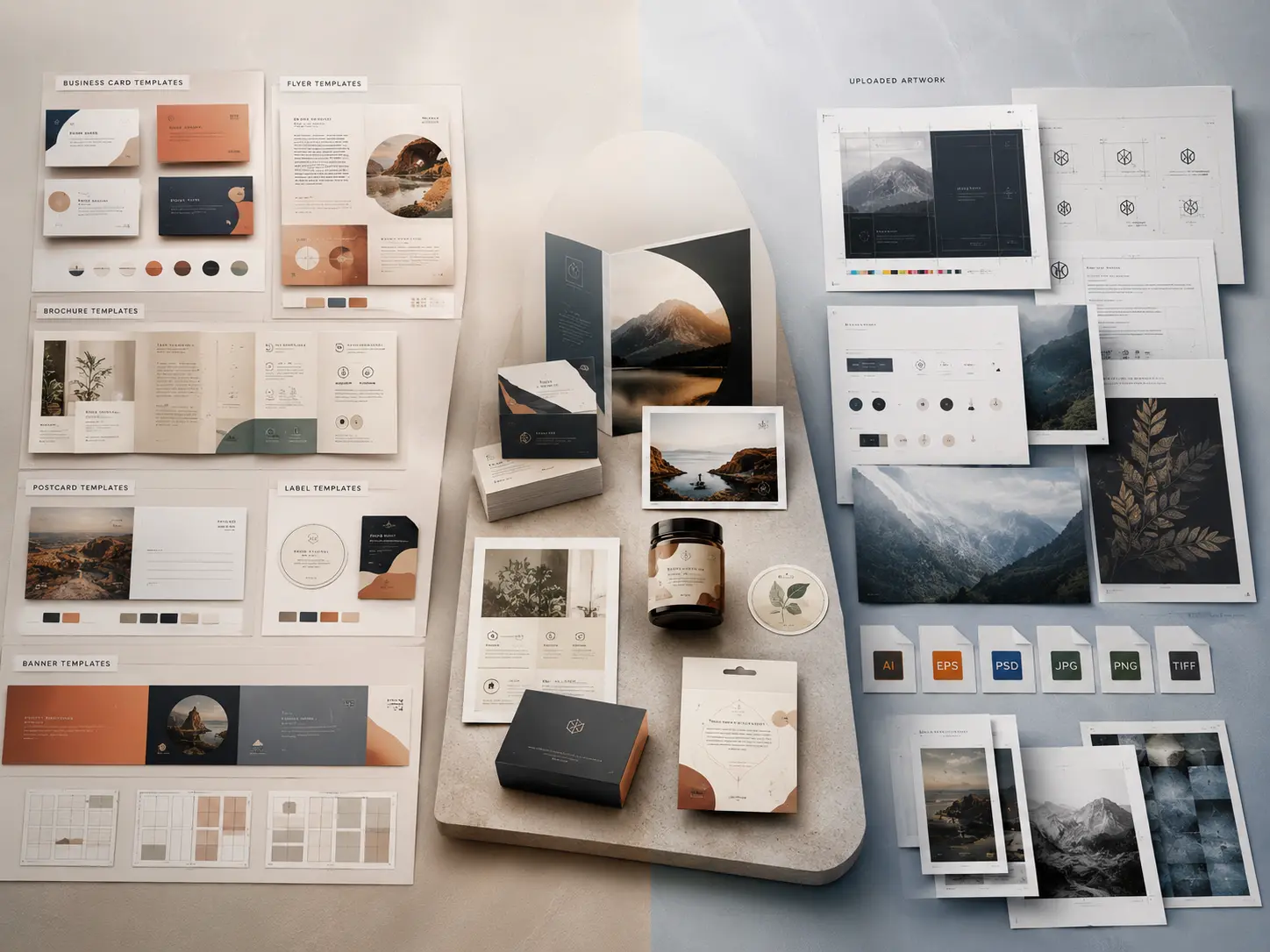
When creating your product, you can either start with a design template or upload your own artwork. Both options can work well, but the best choice depends on how much design work you already have prepared.
Design Templates
Design templates are ready-made layouts that you can customize in the online designer. They are helpful if you want a fast starting point or do not have a finished design file.
You can usually edit:
- Text
- Images
- Colors
- Logo placement
- Layout details
- Contact information
- Promotional messages
Templates are a good choice if you want to create a professional-looking design without starting from a blank page.
Uploaded Artwork
Uploaded artwork is best if you already have a completed design file, logo, image, or print-ready layout. You can upload your file and place it directly onto the product.
This option is best for:
- Finished designs
- Brand-approved artwork
- Designer-created files
- Print-ready PDFs
- Logos or image-based designs
- Designs created in software such as Adobe Illustrator, Photoshop, InDesign, Canva, or other design tools
Which Option Should I Choose?
- You need help with layout.
- You want to edit text and images online.
- You do not have a finished design.
- You want a faster design starting point.
- Your design is already finished.
- You need to match brand guidelines.
- Your designer gave you a print-ready file.
- You want to use your own full layout without editing a template.
Can I Use Both?
Yes. You can start with a template and upload your own logo, images, or graphics into the design. This is often the best option for small businesses that want a professional layout with custom branding.